
Make Every Word Usable
Photos and screenshots shouldn't trap your text. Convert them into clean, editable content you can search, edit, and share—so nothing important gets stuck in an image again.

Quickly Extract Texts from Any Kind of Images
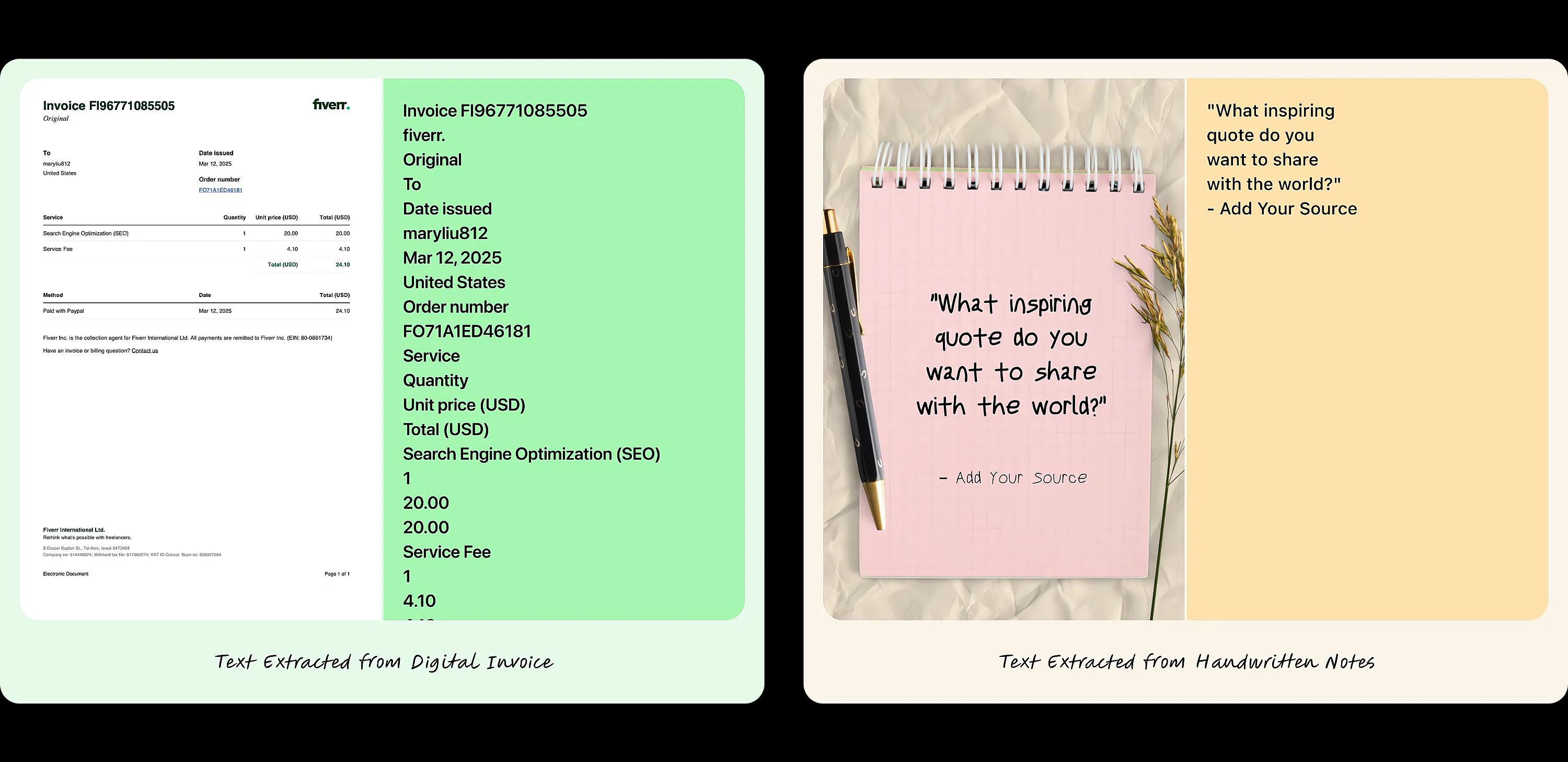
Vheer's image to text converter makes it effortless to extract text from scanned documents, photos, handwritten notes, and screenshots. Simply upload your image, select the output language, and let the tool quickly transform it into editable text. It supports multiple languages, including English, French, Chinese, Korean, Japanese, and more, ensuring accurate text extraction without any spelling errors. You can easily copy the text or download it as a .txt file. Whether you're digitizing documents or capturing key notes, this tool is fast, reliable, and simple to use. Preview the extracted text instantly and have it ready for use in seconds—perfect for anyone needing efficient and precise text extraction.

Convert Images to Text with Advanced OCR Technology
Easily convert images into editable text with Vheer's advanced OCR technology. Our tool allows you to batch process up to five images at once, providing accurate text extraction in seconds. Whether you're working with scanned documents, handwritten notes, PowerPoint slides, or printed text, Vheer's converter can detect, analyze, and output the text in your chosen language. With support for over 10 languages, it ensures fast processing without compromising on precision. The AI handles different fonts, sizes, and formats, delivering clean, editable text every time. You can instantly copy the extracted text or download it as a .txt file for convenient use. Ideal for professionals, educators, and content creators, Vheer offers a quick and reliable solution for high-quality text conversion.
Why Convert Image to Text Using Vheer
Fast Text Extraction
Vheer's AI scans and extracts text in seconds, saving you time and effort. The AI handles various fonts, handwriting styles, and image qualities with ease.
Free & Easy to Use
Use Vheer's image to text tool without registration or subscription. Upload up to 5 images at once, and the tool will automatically extract the text for free.
Privacy and Security
Your data is safe with Vheer. The tool processes images directly in your browser without saving any files, ensuring complete privacy.
Advanced OCR Technology
Vheer uses cutting-edge OCR technology for precise text extraction. Continuous updates ensure better accuracy and support for more text formats.
Supports Multiple Languages
Extract text from JPG, PNG, BMP, and other popular image formats. Vheer's AI ensures compatibility and reliable results across different file types.
Flexible Upload & Conversion
Vheer lets you upload images in JPG, PNG, or WebP formats for text extraction. You can easily copy the extracted text or download it as a file.
Instant & Automatic Text Extraction from Various Image Types
Whether for business papers, personal notes, or digital images, our tool makes it easy to extract and organize text for seamless use.

Product Details
Convert scanned contracts, invoices, and business documents into editable text for fast processing and easy management.

Handwritten Notes
Extract text from handwritten note screenshots or photos of whiteboards, making it effortless to organize and store important information.

Screenshots and Posters
Transform screenshots of messages, articles, social media posts, or event movie posters into editable text for convenient sharing and editing.
FAQs
All your questions answered.