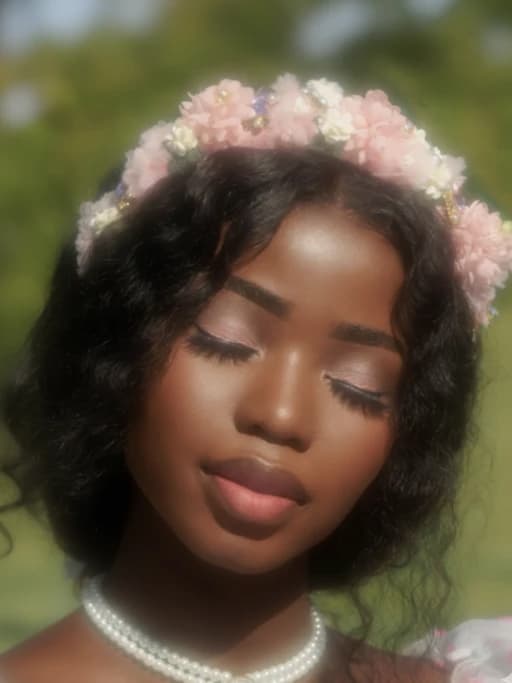
Grayscale Image Converter Online Free
Quickly convert your images into stunning black and white grayscale photos with our free online grayscale image converter. Upload your photo, apply grayscale effect, and transform your image instantly in seconds. Whether you want to create artistic black and white photos, improve visual focus, or process multiple images at once, our tool makes it fast, simple, and high-quality.

Turn Your Images into Beautiful Grayscale Photos Instantly
Grayscale images remove color and focus entirely on light, shadow, and composition. This simple transformation can make photos look more artistic, professional, and emotionally powerful. Whether you're editing portraits, product photos, or creative visuals, grayscale conversion gives your images a timeless look without losing quality.

Convert Images to Grayscale in Seconds
Converting an image to grayscale has never been easier. Simply upload your photo, and the tool will automatically transform it into a black and white version while keeping all the important visual details intact. The process takes only a few seconds and requires no manual adjustments, making it ideal for anyone who wants quick and reliable results without using complex editing software.

Batch Convert Images for Faster Workflow
When working with multiple images, efficiency becomes essential. This grayscale converter allows you to process several images at once, applying the same effect across all files in a single step. This not only saves time but also ensures visual consistency, which is especially useful for photographers, designers, and content creators managing large projects.
Why Use Grayscale Image Converter
Free Grayscale Converter
This grayscale image converter is completely free to use and accessible from any device. There is no need to install software or create an account, allowing you to start converting images instantly whenever you need.
Preserve Image Details
While removing color, the tool carefully maintains the original sharpness, contrast, and structure of your image. This ensures that your grayscale photos remain clear and visually balanced, without any loss of quality.
Make Grayscale Image Fast
The tool is designed to deliver results quickly without unnecessary steps. You can upload an image, apply the grayscale effect, and download the result in just a few clicks.
Professional Grayscale Effects
Grayscale images highlight texture, lighting, and composition in a way that color images often cannot. This makes them especially useful for creating professional, artistic, and visually striking photos.
Batch Mode to Save Time
Vheer can grayscale multiple images at once and improve your workflow efficiency. It allows you to focus more on creative work instead of repetitive editing tasks.
Clean Output with No Watermark
All images processed through the tool are free of watermarks, ensuring that your final results are ready for immediate use in personal or commercial projects without additional editing.
Convert Images into Grayscale for Any Creative Need
Grayscale images are widely used because they simplify visuals and create a more focused and refined look. Whether you are working on photography, design, or digital content, converting images to black and white can help improve clarity and enhance visual impact.

Create Stunning B&W Portraits
Grayscale is especially powerful for portrait photography, as it removes color distractions and emphasizes facial expressions, lighting, and emotion. This creates a timeless and professional look that works well for profile pictures, portfolios, and personal branding.

Enhance Product and Design Visuals
In design and product presentation, grayscale helps create a clean and minimal aesthetic. By focusing on shape and structure instead of color, it allows viewers to better understand the design while maintaining a consistent visual style across different images.

Add Depth to Creative Projects
For creative work, grayscale can add mood and depth that color sometimes cannot achieve. It is often used in artistic photography, storytelling visuals, and cinematic designs to create a stronger emotional impact and a more refined visual tone.
FAQs
All your questions answered.