• Vheer Logo
    VheerCreativity & Imagination
Tools
  • Text to Image
  • Text to Video
  • Image to Image
  • Multi Images to Image
  • Image to Video
  • Image to Prompt
  • Image to Text
  • Background Remover
  • Get Started — FreeSign In
  1. Dashboard
  2. Random Image Generator
random-image-generator placeholder

No image generated yet

Enter a prompt and click "Generate Image" to create your artwork

0/5000

Sign in to save history

Your generation history will be saved persistently when you're logged in

All Categories

Related Category Presets

Jump between random image categories without changing the route structure.
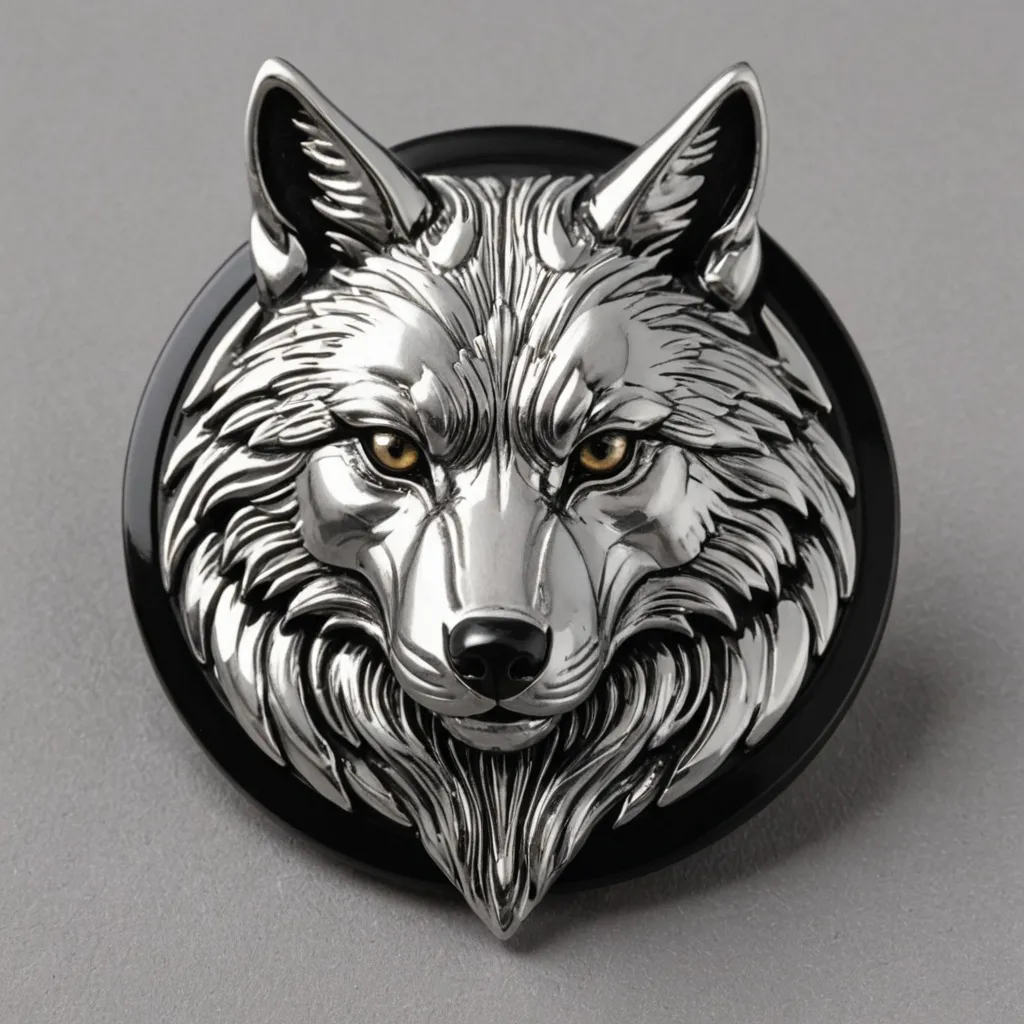
soccer-badge sample 1
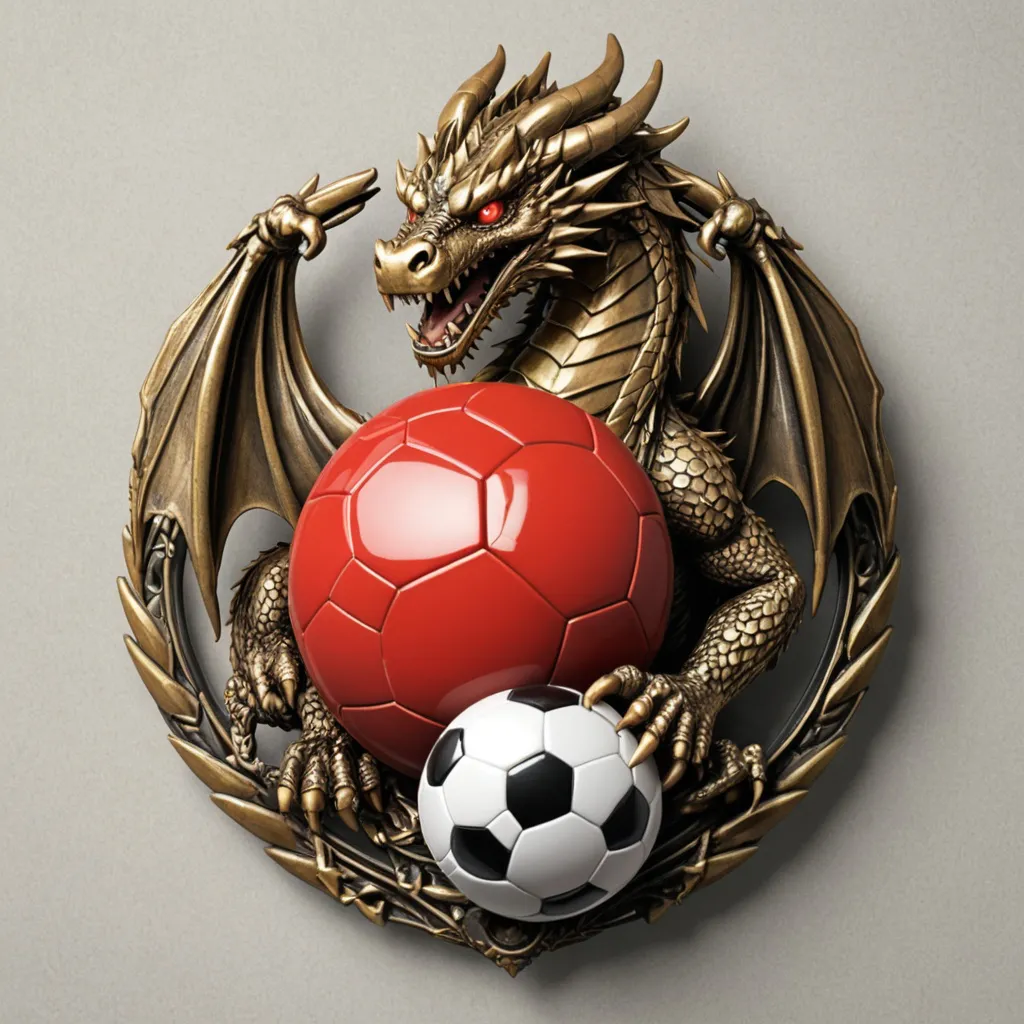
soccer-badge sample 2
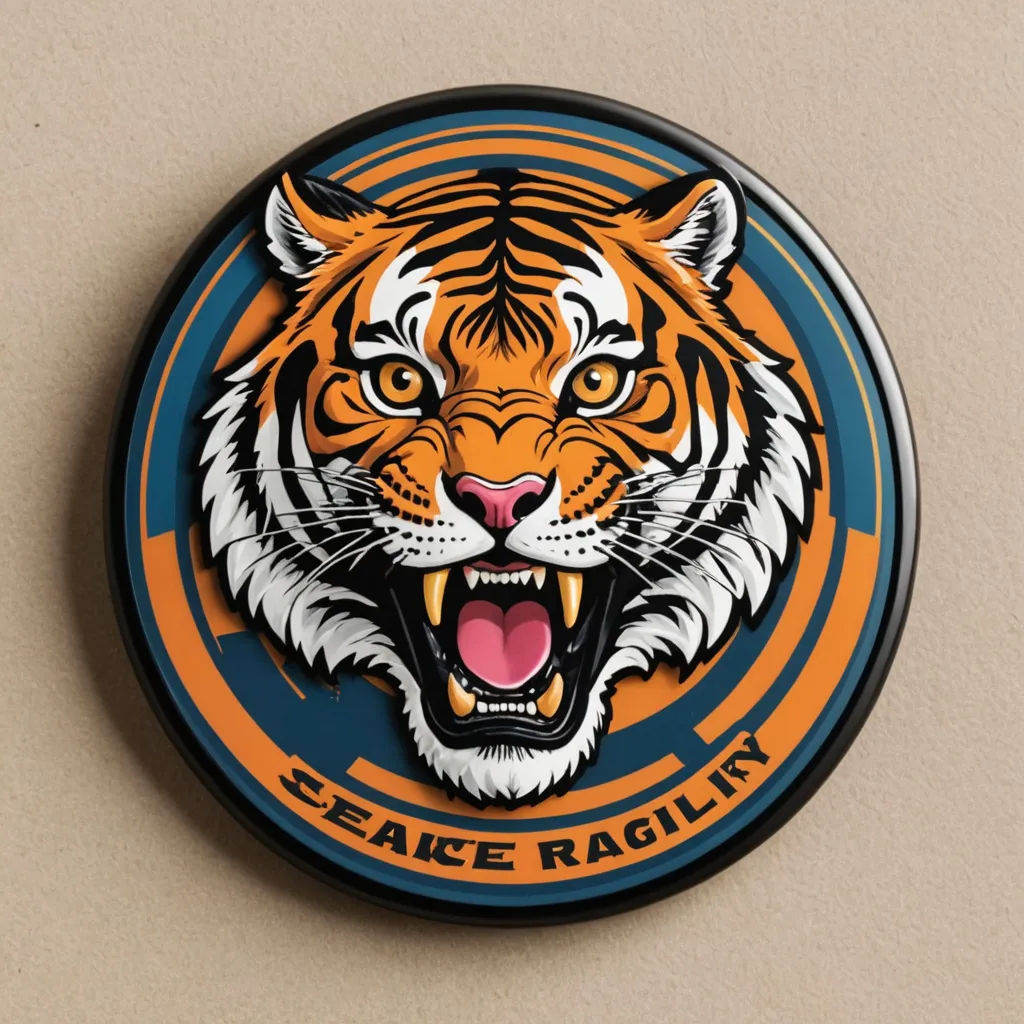
soccer-badge sample 3
soccer-badge sample 4
soccer-badge sample 5
soccer-badge sample 6
soccer-badge sample 7
soccer-badge sample 8
soccer-badge sample 9
soccer-badge sample 10
soccer-badge sample 11
soccer-badge sample 12
soccer-badge sample 13
soccer-badge sample 14
soccer-badge sample 15
soccer-badge sample 16
soccer-badge sample 17
soccer-badge sample 18
soccer-badge sample 19
soccer-badge sample 20

How to Use the Random Image Generator

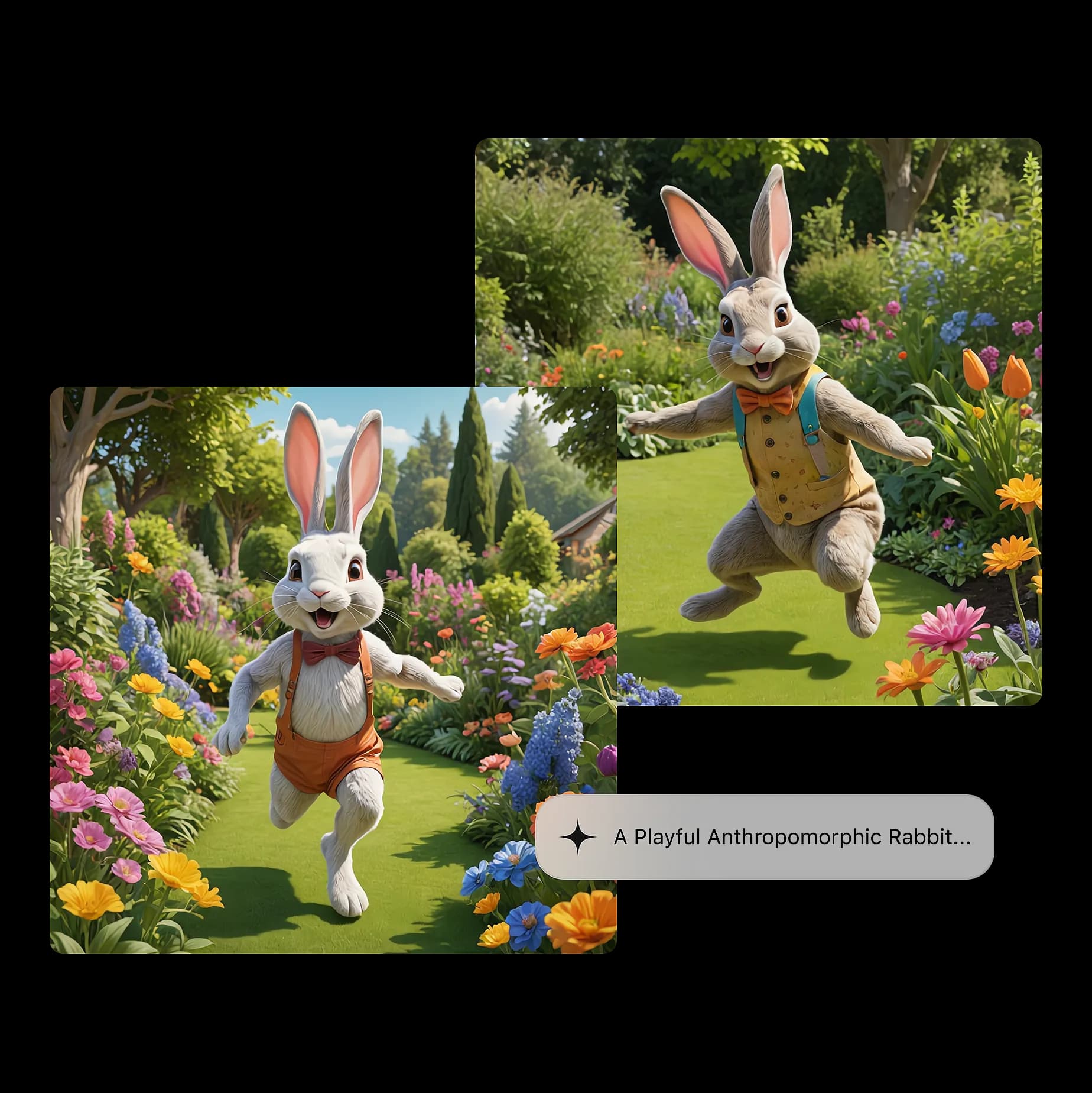
Create stunning AI-generated images in seconds. Follow these simple steps to generate random or custom images effortlessly.

  1. 1

    Click to Generate

    Press the 'Generate' button to instantly create four random images with AI.

  2. 2

    Enter a Prompt (Optional)

    Want specific images? Type a prompt like 'sunset over mountains,' 'futuristic city,' or 'cute dog' to generate customized results.

  3. 3

    AI Generates 4 Unique Images

    Based on your input, our AI model will create four high-resolution images that match your description.

  4. 4

    Explore More Results

    Not satisfied? Click again to generate new sets of random images instantly.

  5. 5

    Download & Share

    Save your favorite images to your device or share them on social media with one click.
How to Use the Random Image Generator